

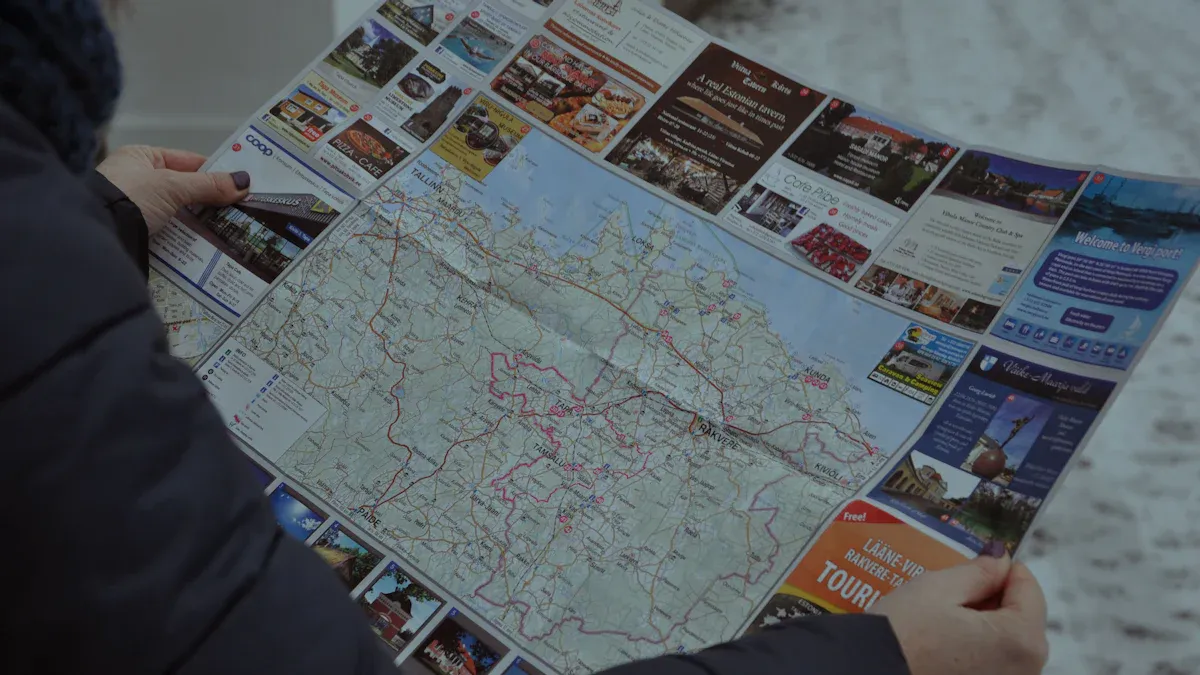
Imagine driving to a friend’s house, only to realize you took a wrong turn. You check your phone, but the GPS isn’t helping. 72% of people report getting lost on trips. Learning navigation tips can save you time and frustration. Mastering these skills will enhance your travel experiences.
Key Takeaways
Learn to read different types of maps. Understanding general, topographical, and navigational charts will improve your navigation skills.
Choose GPS tools wisely. Look for apps that are easy to use, secure, and compatible with your devices.
Plan your route before traveling. Use apps like Google Maps to organize your journey and include important stops.
Maps Overview
Types of Maps
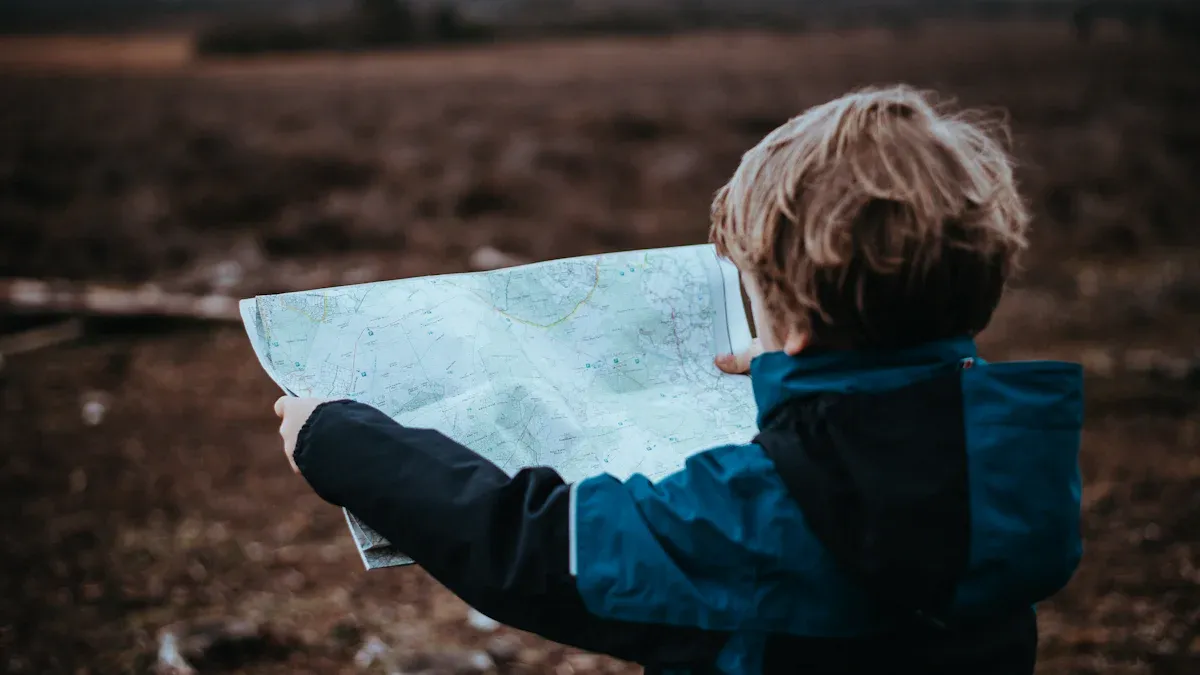
Understanding the different types of maps can significantly enhance your navigation skills. Here are some common types you might encounter:
Map Type | Description |
|---|---|
General Reference | These maps include cities, towns, major transport routes, and natural features. They are ideal for navigation. |
Topographical | These detailed maps show elevation and landscape features. They help you understand the terrain, which is crucial for hiking or outdoor activities. |
Navigational Charts | Specialized maps for sea and air navigation. They include critical safety information for pilots and mariners. |
Each type of map serves a unique purpose. For instance, general reference maps are great for road trips, while topographical maps are essential for hiking in mountainous areas.
Key Features
When using maps, certain features are vital for effective navigation. Here are some key elements to look for:
Scale: The scale indicates the relationship between distances on the map and actual distances on the ground. For example, a scale of 1:24,000 means one inch on the map equals 24,000 inches in reality. This helps you gauge distances accurately.
Legend: The legend explains the symbols and colors used on the map. Understanding the legend is crucial for interpreting the information correctly.
Compass Rose: This feature shows directions, including north, south, east, and west. It helps you orient the map correctly, ensuring you navigate in the right direction.
Contour Lines: These lines represent elevation changes. They help you understand the terrain’s shape. For example, concentric circles indicate hills, while V-shapes point to valleys.
Symbols: Maps use various symbols to represent features like roads, buildings, and water bodies. Familiarizing yourself with these symbols can make navigation easier.
Understanding these features will improve your ability to read and use maps effectively. Remember, while GPS technology is convenient, knowing how to read a map is a valuable skill that can save you in situations where technology fails.
GPS Tools and Navigation Tips
Choosing GPS Tools
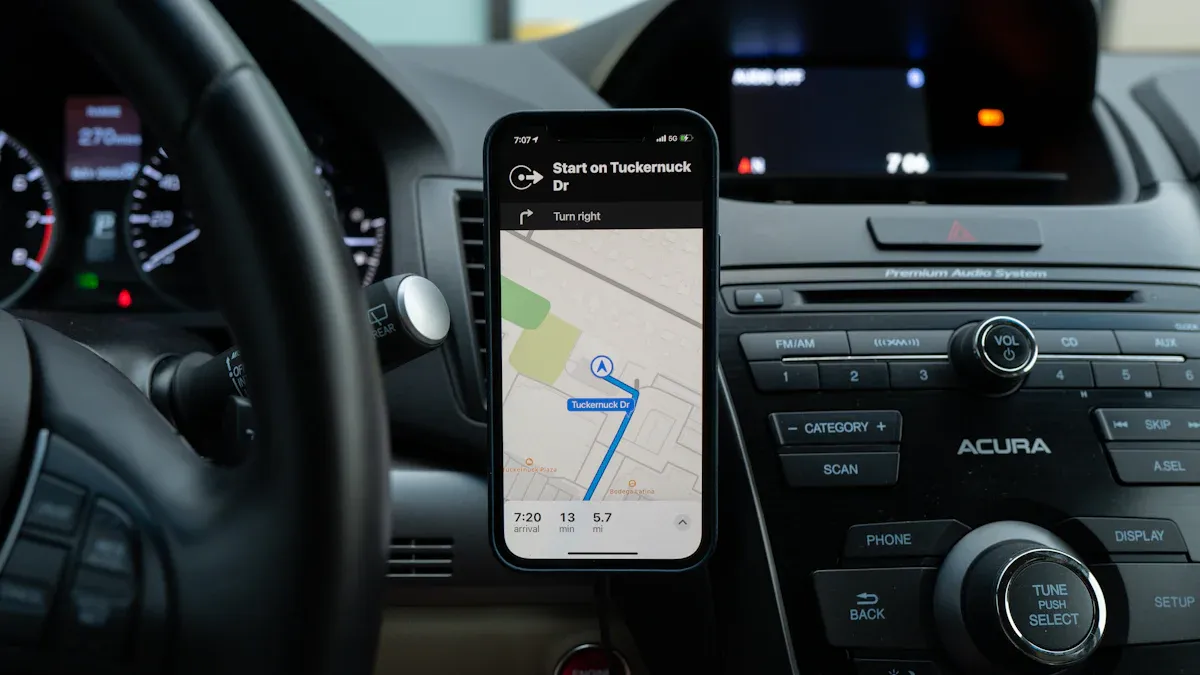
Selecting the right GPS device or app can make a big difference in your navigation experience. Here are some important criteria to consider:
Security and Privacy: Choose apps that prioritize your data security. Look for strong encryption and clear privacy policies.
Ease of Use: Opt for tools with a simple interface. You want something that requires minimal setup and is easy to navigate.
Compatibility and Scalability: Ensure the app works well with your existing devices. It should also adapt to your future needs as you become more experienced.
Customer Support: Look for apps that offer 24/7 support. Comprehensive resources can help you troubleshoot issues quickly.
Popular GPS tools include Garmin, TomTom, and various smartphone apps. Each offers unique features tailored to different navigation needs. The global positioning systems market includes many players, such as Avidyne Corp. and Qualcomm Inc., providing a range of products from fitness wearables to automotive navigation tools.
Basic Functions
GPS devices and apps come with several basic functions that enhance your navigation skills. Here are some key features you should know:
Finding Positions: Most GPS tools allow you to determine your current location easily. Features like “Find me” or “Where am I?” help you pinpoint your spot quickly.
Recording Tracks: Many apps can track your movements. This feature helps you retrace your steps or share your routes with friends.
Marking Waypoints: You can save important locations, making it easier to navigate back to them later. This is especially useful for hiking or exploring new areas.
Point-to-Point Navigation: This function allows you to navigate using visible landmarks. GPS technology enhances this process, making it more reliable.
Reviewing Trip Data: After your journey, you can analyze past trips. This helps you improve your navigation skills and share valuable data with others.
While GPS technology is powerful, it has limitations. For example, in remote areas, GPS signals may weaken due to weather or obstructions. Therefore, combining GPS tools with traditional navigation aids like maps and compasses can enhance your reliability. This approach ensures you stay on track, even when technology fails.
Remember, mastering these basic navigation skills will boost your confidence and make your travels more enjoyable.
Practical Navigation Tips
Planning Your Route
Planning your route effectively can make your journey smoother. Here are some steps to help you plan using maps or GPS:
Download Google Maps: Get the app from the App Store or Google Play.
Click the Directions Button: Access the directions feature in the app.
Choose Your Method of Transport: Select from options like car, walking, public transport, or cycling.
Input Addresses: Enter your starting location and destination using the search bar or map.
Add All of Your Stops: Include multiple stops by selecting ‘Add stop’ next to each location.
Reorganize Your Route: Drag and drop stops to optimize the route for efficiency.
Save and Share Your Route: Finalize your route and share or save it for future use.
Using landmarks can also enhance your navigation. Recognize important landmarks to create a mental map. For example, know the nearest cross-streets to these landmarks. This knowledge helps you stay oriented and makes it easier to give directions.
Staying Aware
Staying aware of your surroundings is crucial while navigating. Here are some best practices to maintain situational awareness:
Best Practice | Explanation |
|---|---|
Use alternative navigation methods | Ensures that if GPS fails, you have other systems to determine your position. |
Regularly verify your position | Helps maintain situational awareness and prevents complacency with GPS reliance. |
Report GPS disruptions | Immediate reporting can help authorities address issues and improve system reliability. |
Distractions can impact your navigation accuracy. Avoid texting or engaging in activities that divert your attention. Focus on the road and your surroundings to ensure safe navigation.
By planning your routes carefully and staying aware, you can enhance your navigation skills. These navigation tips will help you feel more confident and prepared for your travels.
In summary, mastering navigation skills using maps and GPS can greatly enhance your travel experiences. Here are some key takeaways:
Paper maps boost spatial awareness and navigation skills.
GPS technology provides real-time tracking and turn-by-turn directions.
Combining both methods creates a comprehensive navigation toolkit.
Practice these skills regularly. Engaging with maps and GPS will deepen your connection to your surroundings and improve your ability to navigate effectively.
FAQ
How do I read a map effectively?
To read a map, start by understanding the legend, scale, and compass rose. Familiarize yourself with symbols and practice locating your position.
What should I do if my GPS fails?
If your GPS fails, use a paper map or a compass. Knowing how to use a compass can help you navigate without technology.
Can I use GPS offline?
Yes, many GPS apps allow you to download maps for offline use. This feature is helpful in areas with poor signal.
